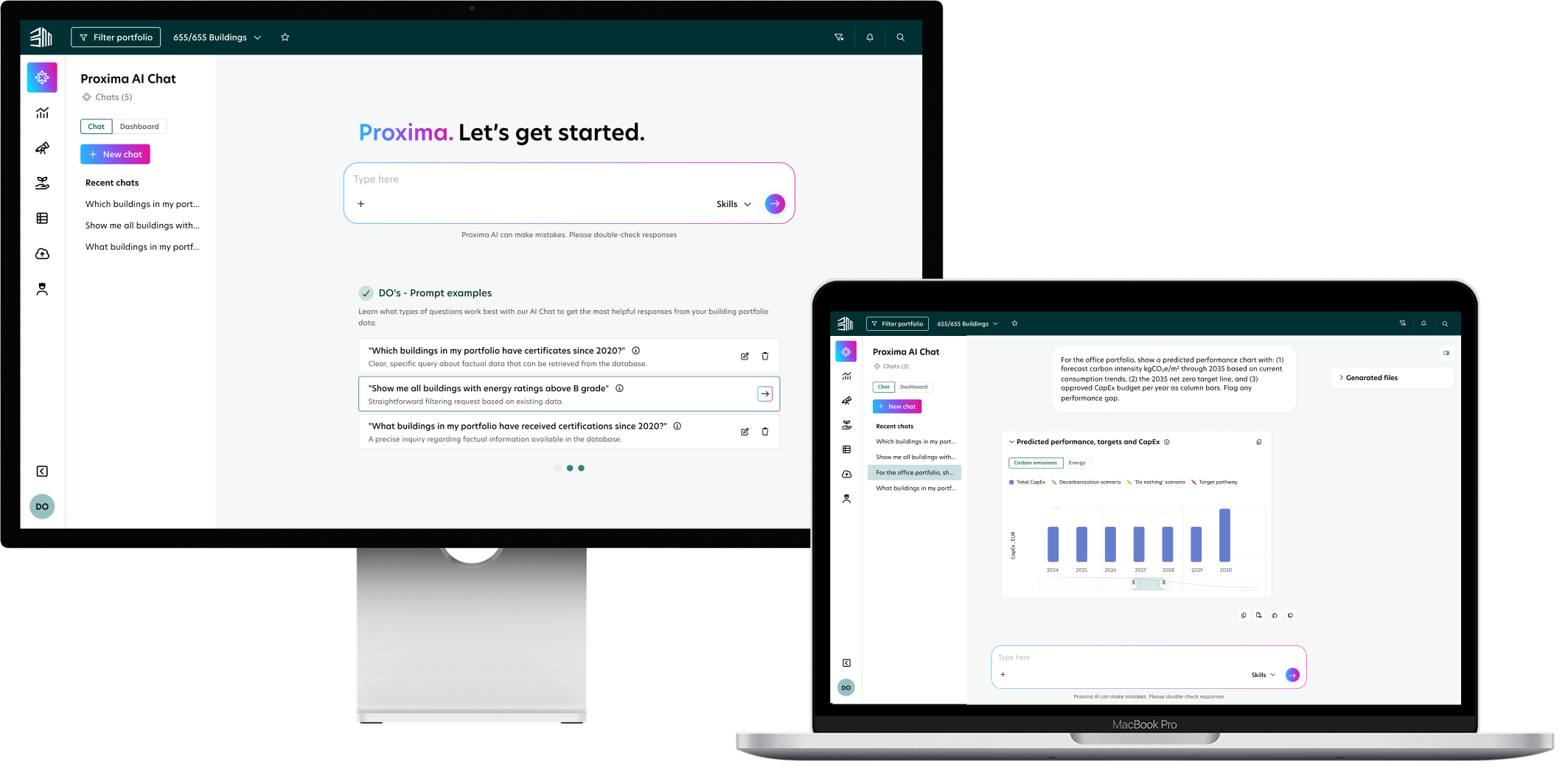
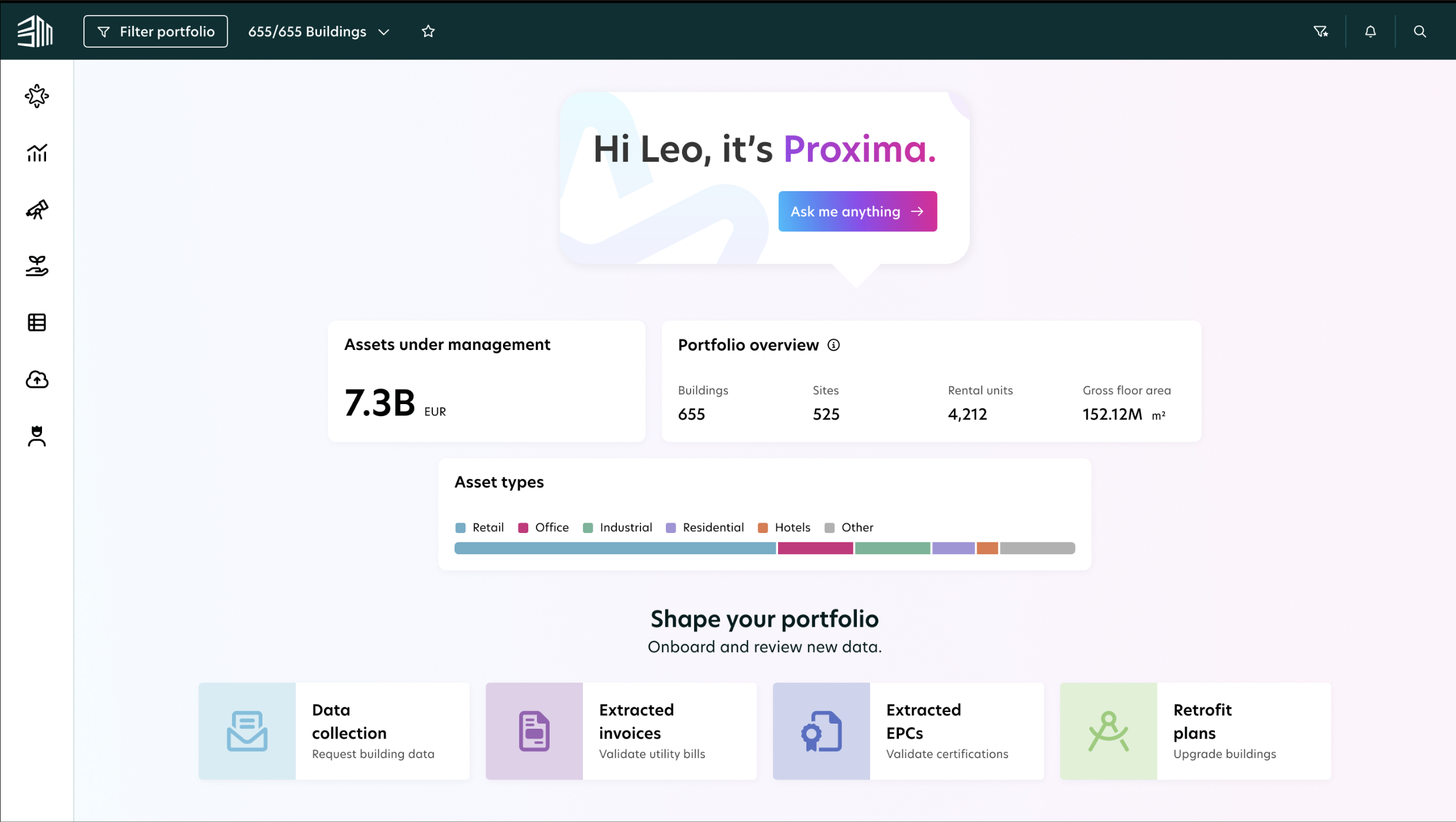
Case Study · Proxima AI Chat
BuildingMinds is an ESG and real estate intelligence platform used by institutional property investors to manage energy performance, carbon reporting, and regulatory compliance across large building portfolios. Despite having rich data, users consistently struggled to access it: dashboards required manual configuration, insights were buried in complex reports, and non-technical stakeholders had no way to self-serve.
The challenge was to make the platform's data accessible to anyone through conversation, removing the gap between a user's question and a meaningful answer.
Getting a basic data answer in Proxima is heavier than it needs to be. The friction compounds across every persona:
Proxima AI Chat is a conversational interface embedded directly into the platform. Users can ask natural-language questions about their portfolio, energy consumption, carbon emissions, regulatory compliance, and benchmarks, and receive instant, data-driven responses.
The core design challenge was trust. ESG data is high-stakes; users needed to feel confident the AI was answering from their actual data, not hallucinating. Key decisions included surfacing the data source and portfolio scope on every response, designing a clear KPI selection step to set context before analysis begins, and building a Skills framework that embeds domain expertise so answers are consistent, on-brand, and regulation-aware rather than generic.
The interface follows a familiar chat pattern with a sidebar for history, making it immediately learnable while supporting deep, multi-turn conversations.
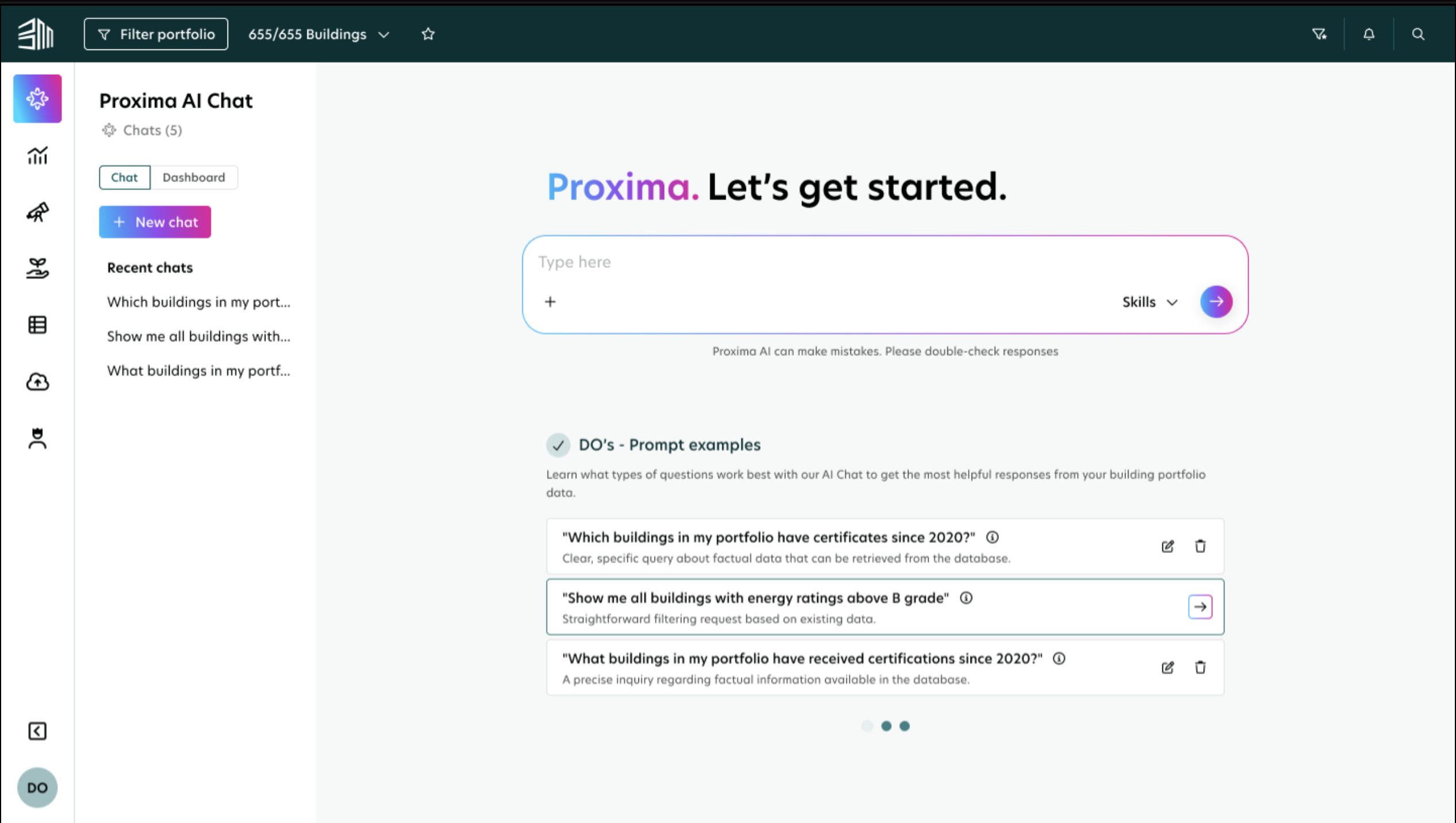
The user lands on the AI Chat screen and can ask immediately. No dataset picker, no filters, no configuration. The system uses all available datasets (Building Insights and Energy Consumption Trends in V1) as context behind the scenes. Suggested prompts appear on the empty state so first-time users have a clear starting point and learn the shape of questions the system can answer.
Because this is a beta with a narrow scope, the screen carries a disclaimer up-front explaining what it can and can't do: that it answers within the two available datasets, that it works best on direct data questions, and that general business-insight questions are out of scope. This frames the experience honestly and prevents the typical "AI promises everything" trust collapse the first time it can't help.
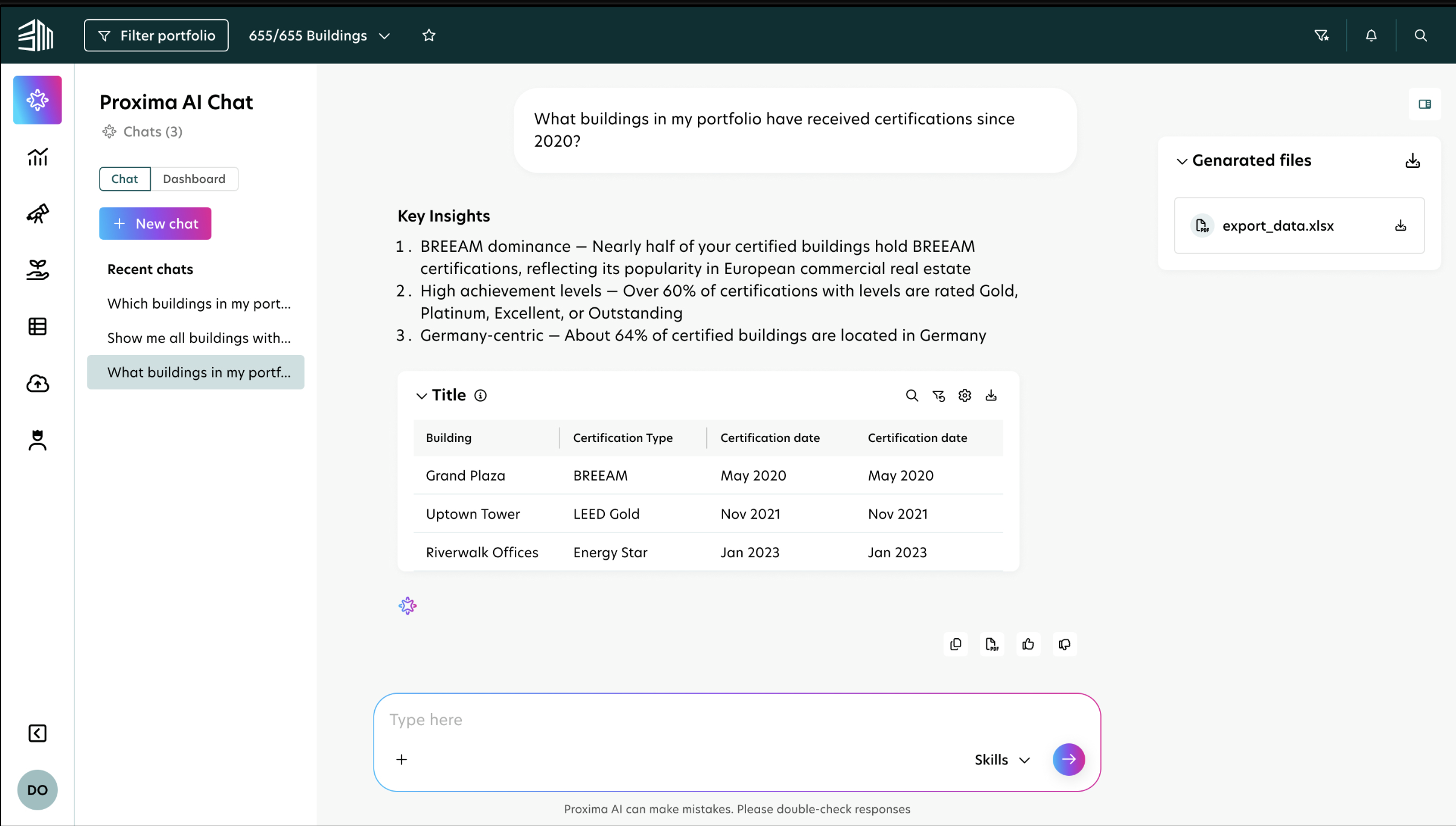
Answers come back as formatted text with proper line breaks and, when relevant, an inline table preview (capped at 100 rows for readability). Users can copy the text answer, download tables as CSV, and rate the response with thumbs up or thumbs down. The feedback signal flows into analytics so the team can tune prompts and coverage over time.
Permissions are enforced server-side before any SQL is generated, so the answer the user sees only ever reflects datasets and buildings they're already entitled to.
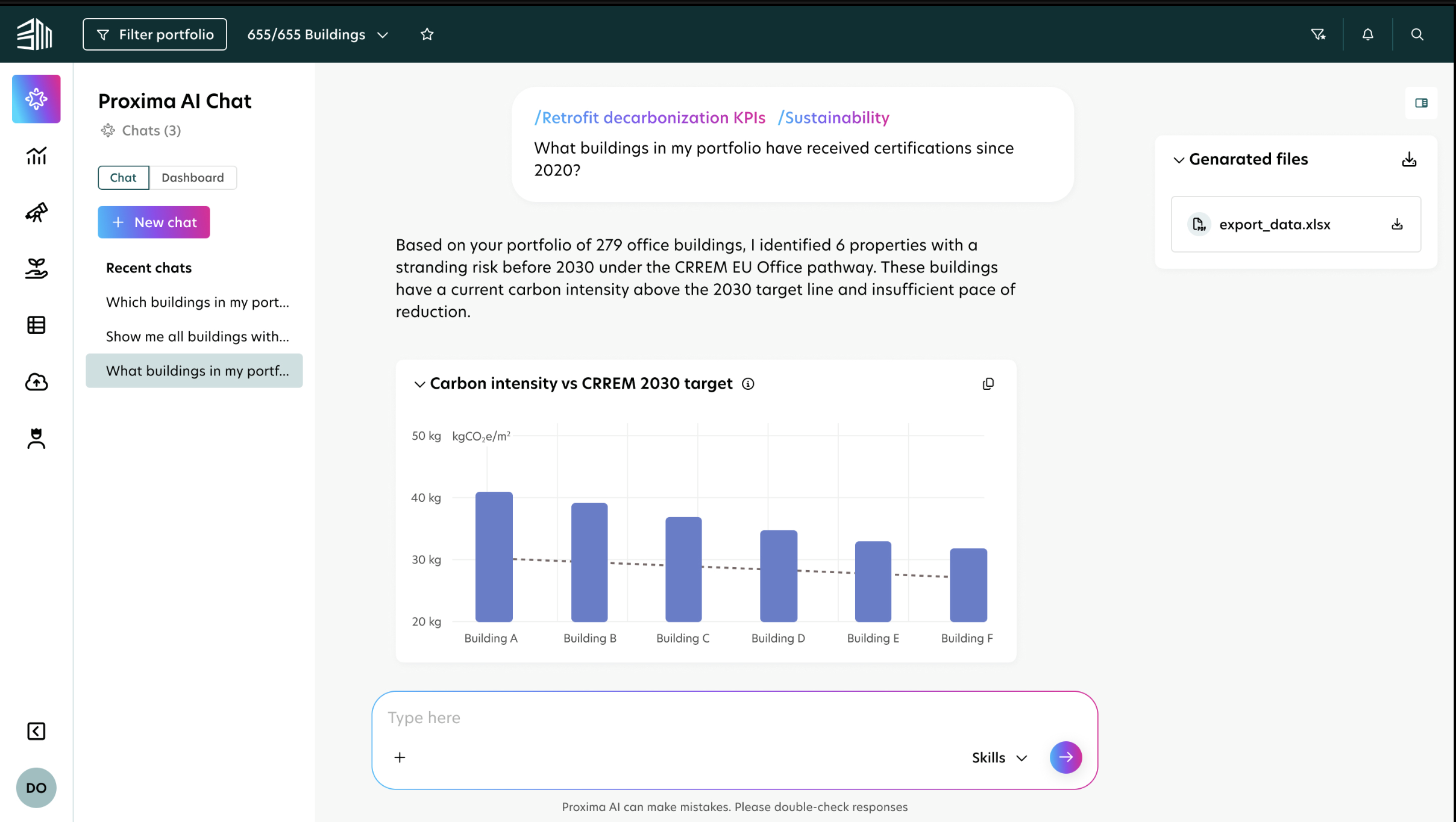
For trend-based or comparative questions, the AI responds with the appropriate chart type: line charts for consumption over time, bar charts for portfolio comparisons, combination charts for targets versus actuals. Charts are rendered directly in the conversation and can be saved or exported as part of a dashboard.
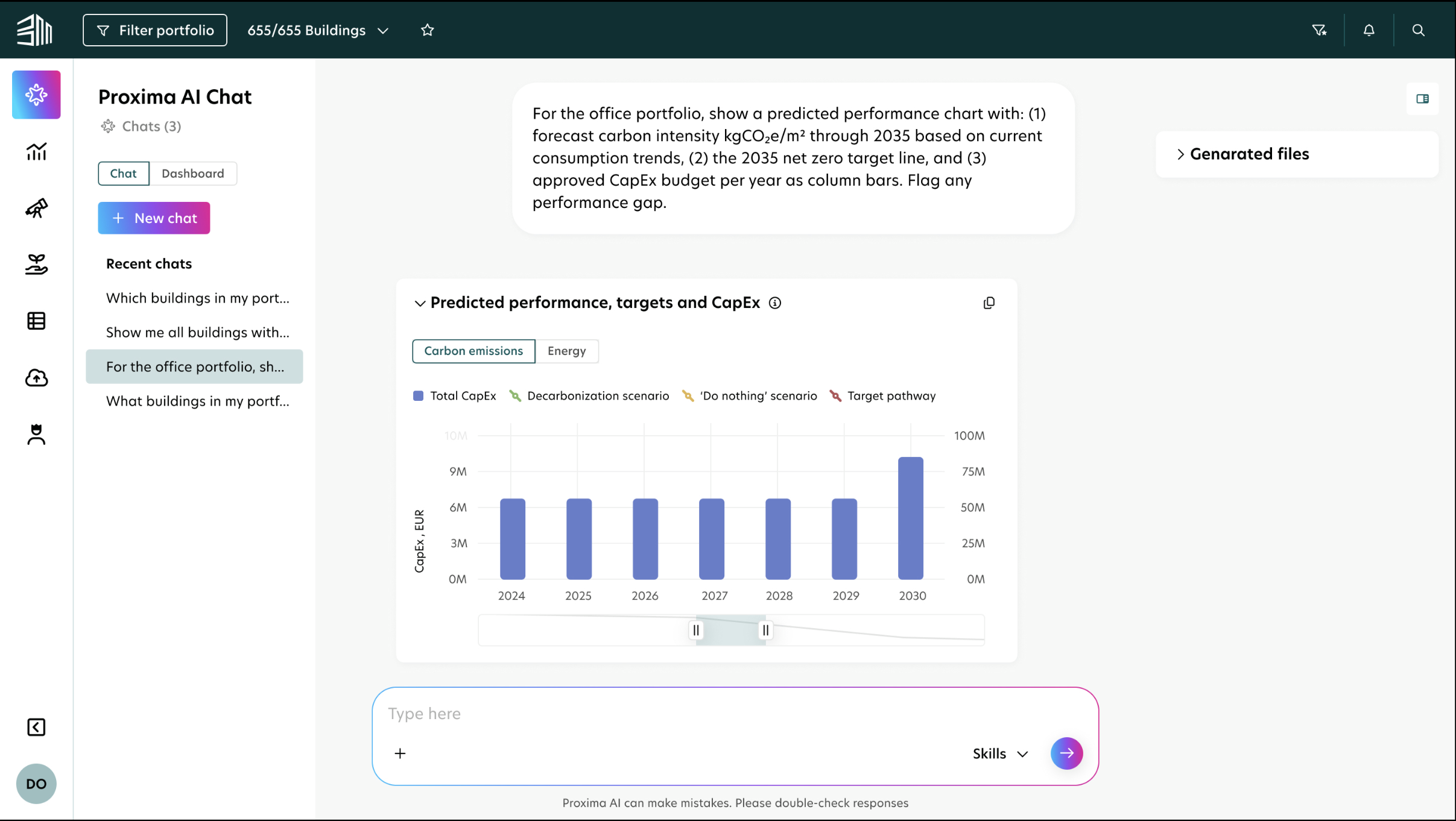
The AI is not a generic LLM; it is equipped with a Skills framework that embeds specialist knowledge across Retrofit, Sustainability, and Data domains. This ensures answers are regulation-aware, use correct ESG terminology, and stay grounded in BuildingMinds data rather than producing generic output.
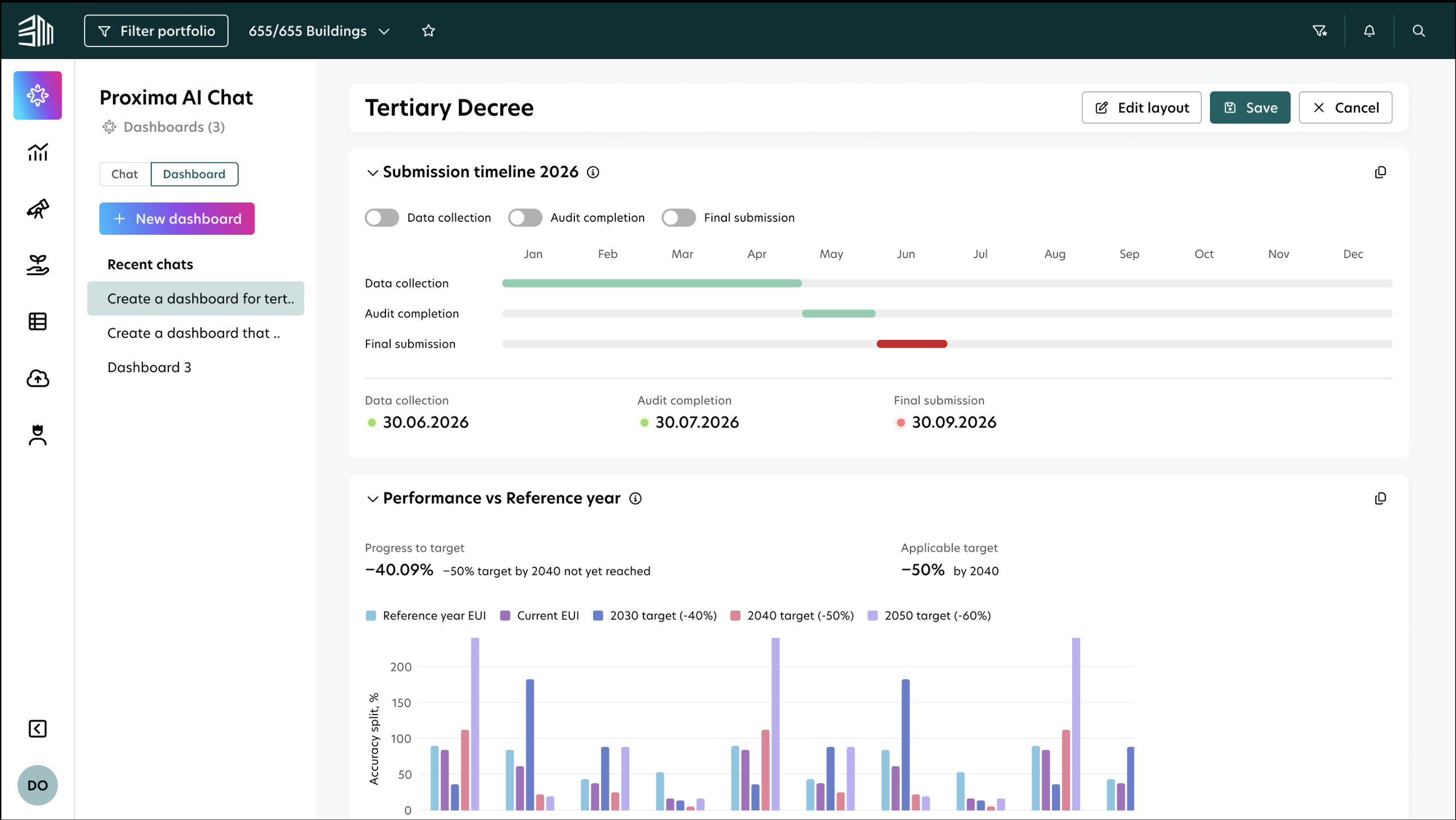
Every custom dashboard in Proxima used to go through the product team. A customer needed a new view (portfolio emissions, CSRD readiness, building-by-building energy) and the path to it was a ticket, a wait of several days, and a result that was usually close to but not quite what they asked for. We were the bottleneck on every custom view in the platform.
Dashboard Creator removed us from that loop. Any user (ESG Manager, Asset Manager, or internal BM staff) describes what they need in plain language, the AI builds it, and they decide whether to keep it private or publish it to the rest of the company. No SQL, no chart configuration, no tickets.
The challenge wasn't the AI. It was giving users that much power without overwhelming them. The design work was making the freedom feel safe, the generation feel trustworthy, and the saved output feel unmistakably theirs.